
PocketBase: The Backend That Fits in Your Pocket
So, what even is a backend?
Before diving into PocketBase specifically, let's quickly cover what a backend actually is - because a lot of beginners jump into tutorials without this foundation and end up confused halfway through.
When you open an app and log in, something has to check if your username and password are correct. When you post a photo, something has to store it somewhere. When you refresh a feed, something has to fetch new data. All of that invisible machinery - the databases, the login logic, the file storage - that's the backend.
Building a backend from scratch usually means setting up a server, connecting a database, writing authentication logic, building REST APIs… it's a significant amount of work, especially for someone just starting out. That's exactly the problem PocketBase solves.
What is PocketBase?
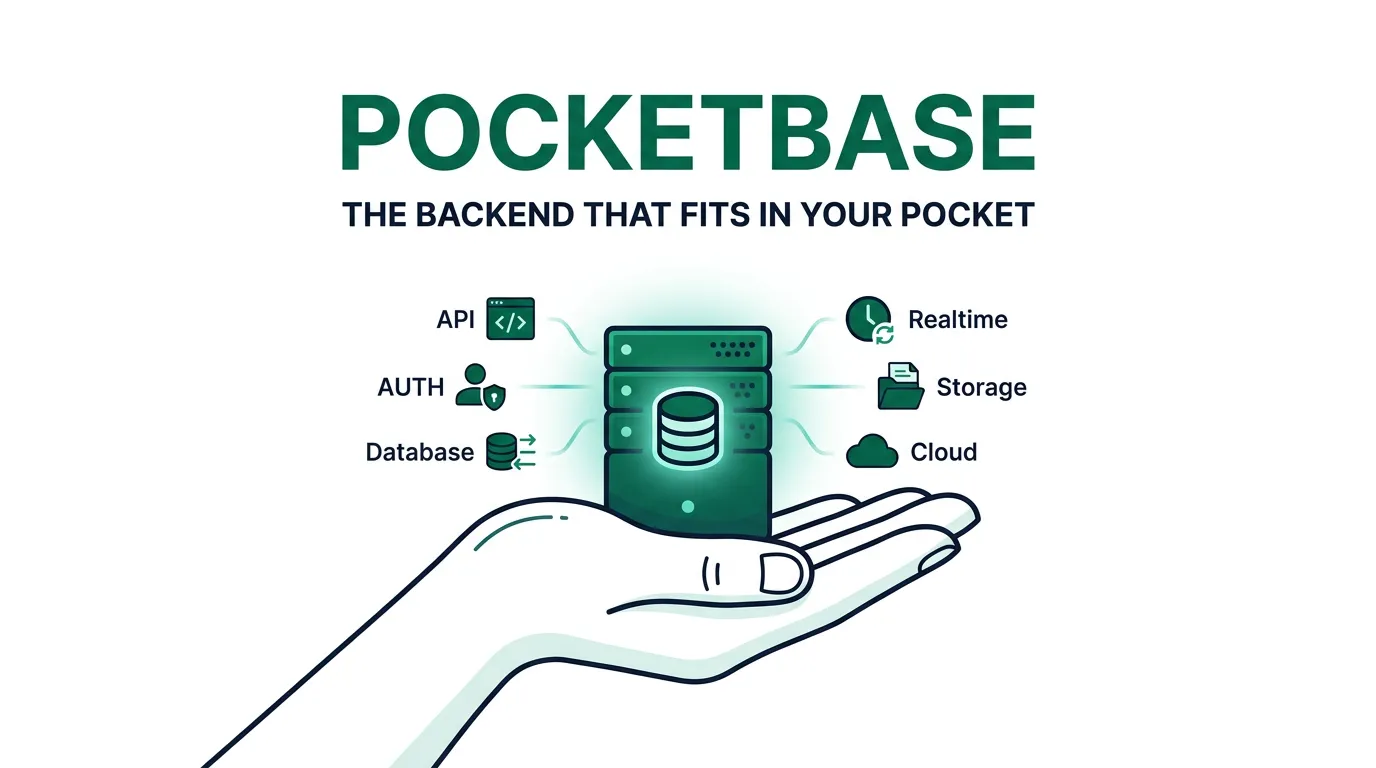
PocketBase is an open-source backend that comes as a single executable file. Download one file, run it, and there's a working backend ready to go - complete with a database, a REST API, file storage, and user authentication.
That might sound too good to be true. But it genuinely works, and it's one of the most approachable backend tools available for developers at any experience level.
It was created by Gani Georgiev and first released in 2022. It's built on top of SQLite - a lightweight, file-based database engine - and written in Go. The good news: none of that matters to get started. You don't need to know Go or SQL to use PocketBase effectively.
What's included out of the box:
- A fully working database (SQLite under the hood)
- A REST API that's automatically generated for your data
- User authentication - signup, login, password reset, all of it
- File and image storage
- A real-time system using WebSockets (think: live chats, live feeds)
- A clean admin dashboard accessible right in the browser
All of this comes in a single binary file around 15-20 MB. That's the entire backend.
Why PocketBase is worth paying attention to
The usual path for setting up a backend - Node.js, Express, PostgreSQL, auth middleware, environment config - can easily consume days before a single feature is built. That's time not spent on the actual product.
PocketBase collapses that entire setup into a single command. For prototypes, MVPs, side projects, and learning, that difference is enormous. It lets developers stay focused on building rather than configuring.
Getting it running
Step 1: Go to pocketbase.io and download the binary for your operating system. Extract the zip file - inside is a single executable.
Step 2: Open a terminal, navigate to the folder, and run:
./pocketbase serve
On Windows:
pocketbase.exe serve
The terminal will show:
Server started at: http://127.0.0.1:8090

-> REST API: http://127.0.0.1:8090/api/
-> Admin UI: http://127.0.0.1:8090/_/
Open the admin UI link in a browser, create a local admin account, and the backend dashboard is ready. That's the entire setup process.
Collections - how PocketBase organizes data
Data in PocketBase lives in collections. If you've worked with databases before, a collection is essentially a table. If not, think of it like a spreadsheet - each row is a record, each column is a field.
Collections are created directly from the admin dashboard. No SQL, no code - just click "New Collection", name it, and add fields.
Available field types:
- Text - for names, titles, descriptions
- Number - for prices, scores, quantities
- Boolean - for true/false values (like is_published)
- Date - for timestamps
- Email - with built-in format validation
- Select - a dropdown with predefined options
- URL - same idea
- File - for uploading images or documents
- Relation - for linking one collection to another (e.g., a comment belongs to a post)
- JSON - for freeform structured data
Each collection automatically gets an auto-generated REST API. So if a collection called "posts" is created with a title (text) and content (text) field, PocketBase immediately provides API endpoints to create, read, update, and delete posts.
The REST API
Every collection in PocketBase gets a full CRUD (Create, Read, Update, Delete) REST API instantly. There's no routing code to write, no controller classes, no middleware setup. The API is accessible from the moment the collection exists.
For a "posts" collection, the auto-generated endpoints are:
GET    /api/collections/posts/records      <- list all posts
POST   /api/collections/posts/records      <- create a new post
GET    /api/collections/posts/records/:id  <- get one post
PATCH  /api/collections/posts/records/:id  <- update a post
DELETE /api/collections/posts/records/:id  <- delete a post
These can be called from any frontend using fetch, Axios, or any HTTP library. PocketBase also provides official JavaScript and Dart SDKs.
A basic fetch call looks like this:
const res = await fetch('http://127.0.0.1:8090/api/collections/posts/records');
const data = await res.json();
console.log(data.items); // array of posts
Using the official JavaScript SDK:
npm install pocketbase
import PocketBase from 'pocketbase';

const pb = new PocketBase('http://127.0.0.1:8090');
const posts = await pb.collection('posts').getFullList();
getFullList() returns all records. getList() supports pagination, and getOne() fetches a single record by ID.
Authentication
PocketBase includes a built-in users collection that handles the full authentication flow - password hashing, token generation, email verification - without any custom code.
Registering a user:
await pb.collection('users').create({
  email: '[email protected]',
  password: 'secure-password',
  passwordConfirm: 'secure-password',
});
Logging in:
const authData = await pb.collection('users').authWithPassword(
  '[email protected]',
  'secure-password'
);
After login, the SDK stores and manages the auth token automatically. Subsequent requests that require authentication include the token without any manual handling.
OAuth2 login (Google, GitHub, etc.) is also supported - provider credentials are configured through the admin dashboard.
Real-time subscriptions
PocketBase supports real-time updates via WebSockets. Subscribe to a collection and the frontend is notified the moment any record is created, updated, or deleted - no polling needed.
pb.collection('messages').subscribe('*', function(e) {
  console.log(e.action); // 'create', 'update', or 'delete'
  console.log(e.record); // the affected record
});
The '*' subscribes to all records in the collection. Subscribing to a specific record by ID is also possible.
This makes building features like live chat, real-time dashboards, or collaborative tools surprisingly straightforward.
File and image storage
Adding a file field to a collection enables file uploads. PocketBase stores files on disk and generates accessible URLs automatically.
Uploading a file with the SDK:
const formData = new FormData();
formData.append('title', 'My first post');
formData.append('cover_image', fileInput.files[0]);

await pb.collection('posts').create(formData);
Getting the file URL from a record:
pb.files.getUrl(record, record.cover_image);
Basic thumbnail generation is supported through query parameters on the file URL, useful for displaying image previews without loading full-resolution files.
Access rules
PocketBase allows access rules to be set per collection, per operation (list, view, create, update, delete). Rules are filter expressions configured in the admin dashboard - no code required.
Common examples:
@request.auth.id != ''         <- only logged-in users
@request.auth.id = id          <- only the record's owner
''                              <- nobody (fully locked)
The syntax is minimal and readable, making it approachable even for beginners.
Limitations worth knowing
PocketBase is excellent within its scope, but it has real limits worth understanding upfront.
It runs as a single process using SQLite, which isn't designed for applications with extremely high concurrent write loads. If an app needs to scale horizontally across multiple servers, PocketBase will become a bottleneck.
There's also no built-in support for background job queues, advanced caching, or the more complex database features available in PostgreSQL. Custom backend logic requires writing Go code - not beginner-friendly territory.
The extension ecosystem is also younger and smaller compared to Firebase or Supabase.
Best use cases: personal projects, prototypes, MVPs, internal tools, hackathons, and learning. For anything expecting high traffic or enterprise-grade requirements, it's worth evaluating more scalable options as the project matures.
How it compares to alternatives
Supabase is built on PostgreSQL and offers real SQL capabilities. It's well-suited for production apps and scales much better. The tradeoff is a steeper learning curve and more setup. A solid choice once there's comfort with relational databases.
Firebase is Google's managed backend platform, popular for mobile apps. It handles scale well and has a large ecosystem. The downsides: vendor lock-in and costs that can escalate quickly with usage.
PocketBase wins on simplicity, self-hosting, and cost (free). It's the only option that runs entirely on a local machine with zero cloud accounts needed. For learning and fast prototyping, that's a meaningful advantage.
Final thoughts
PocketBase is one of those tools that quietly changes how backend development feels for beginners. It strips away the configuration overhead and gets straight to the point - a working backend in minutes, not days.
It's not the right tool for every project. But within its scope, it's thoughtfully designed and a genuine pleasure to use. For anyone learning web development, building a side project, or trying to ship something quickly - it's absolutely worth trying.
Download the file, run it, and have a working backend in under 20 minutes.
Resources
- Official site and docs: pocketbase.io
- GitHub repo: github.com/pocketbase/pocketbase
- JavaScript SDK: github.com/pocketbase/js-sdk
- Community discussions: github.com/pocketbase/pocketbase/discussions
Related articles
Jun 5, 2026·6 min read
How We Automated WhatsApp Onboarding for Every Client (Without Touching Meta's Dashboard)
A walkthrough of how we used Meta's Embedded Signup and the WhatsApp Cloud API to let clients self-onboard their WhatsApp number — entirely through code.
May 22, 2026·7 min read
Optometry Patient Engagement Vendors in Dallas: 2026 Vendor Comparison
Compare the top optometry patient engagement vendors for Dallas, TX practices in 2026 — Starfish Health vs. DoctorConnect, Adit, RevEngage, and Weave.
May 2, 2026·9 min read
Building a Production-Grade Data Pipeline
ETL pipeline: JSON extraction, Supabase raw tables, dbt transforms, production UPSERTs—manifests, queues, idempotency, and failure modes we hit in production.